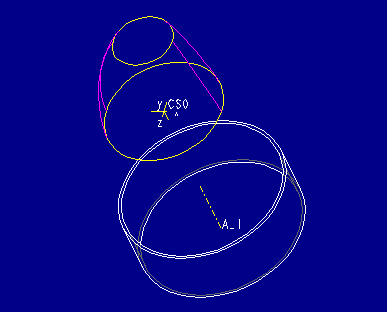
This procedure illustrates the creation of a surface feature using the Advanced, From File command. This command allows data points in an ASCII file to be read in and used for blend sections using Pro/ENGINEER's blend file format. The optional module Pro/SURFACE is required. Refer to chapter 4 of the Part Modeling User's Guide for more detailed information.
The goal of this procedure is to create the nozzle part illustrated in Figure 1. The key feature is the tip of the nozzle, indicated by the red mesh, which will be created using data from an ASCII file. This data may have been generated by a measuring device or other tools external to Pro/ENGINEER.

In this example, "..." represents several lines of data.
Select here to see the complete .ibl file.
Enter imported blend file name [quit]:
Enter in the name of the ASCII file. The ".ibl" extension does not need to be specified. Once entered, the sections of the blend will be displayed in cyan as shown in Figure 3.

When prompted, choose Okay from the DIRECTION menu. Direction is applicable for solid blends from file, but does not effect surface blends from file. Finally, choose Done to create the surface feature. Figure 4 shows the completed surface feature, which is displayed in magenta and yellow (the datum planes have been blanked.)